 Drive Hub US
Streamlining the Digital Environment
A powerful computer can still feel sluggish if the operating system is cluttered with unnecessary processes and conflicting software. Windows, while versatile, often comes with pre-installed bloatware and background services that consume valuable resources. Over time, installing and uninstalling various applications leaves behind registry fragments and orphaned files. Drive Hub US provides a deep-clean service for your OS, stripping away the digital weight that slows down your boot times and interrupts your gaming sessions. We transform a standard Windows installation into a lean, high-performance environment.
Resolving Driver Conflicts and System Errors
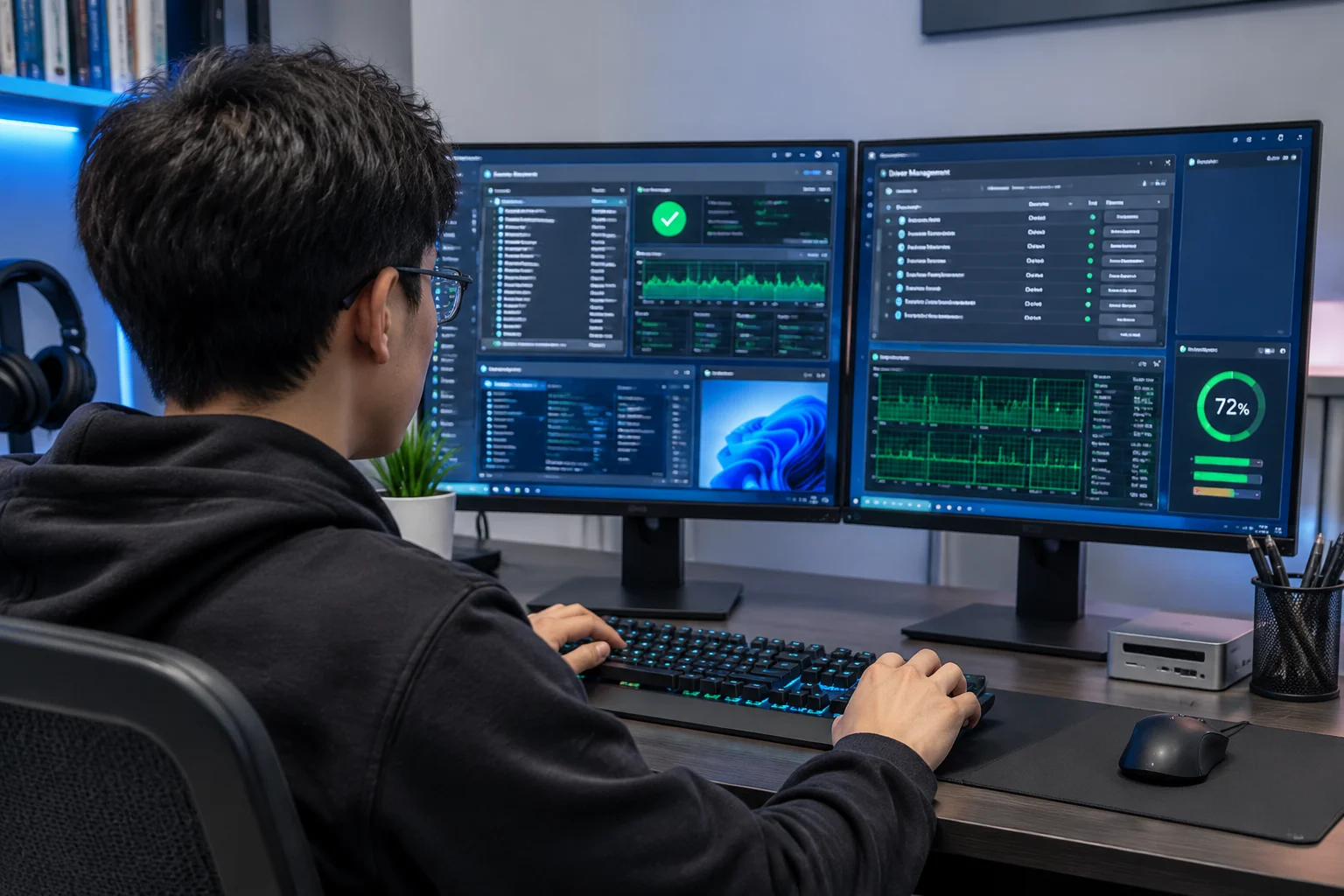
Drivers act as the bridge between your hardware and software, and when they conflict, the results are often catastrophic. Blue screens of death, random freezes, and audio crackling are common symptoms of driver mismanagement. We use advanced tools to completely remove old driver remnants before installing the most stable versions for your specific hardware. This is particularly important for graphics drivers, where leftovers from previous versions can cause significant performance degradation. Our technicians identify and resolve these conflicts, ensuring that every component communicates perfectly with the operating system.
Latency Reduction and Gaming Enhancements
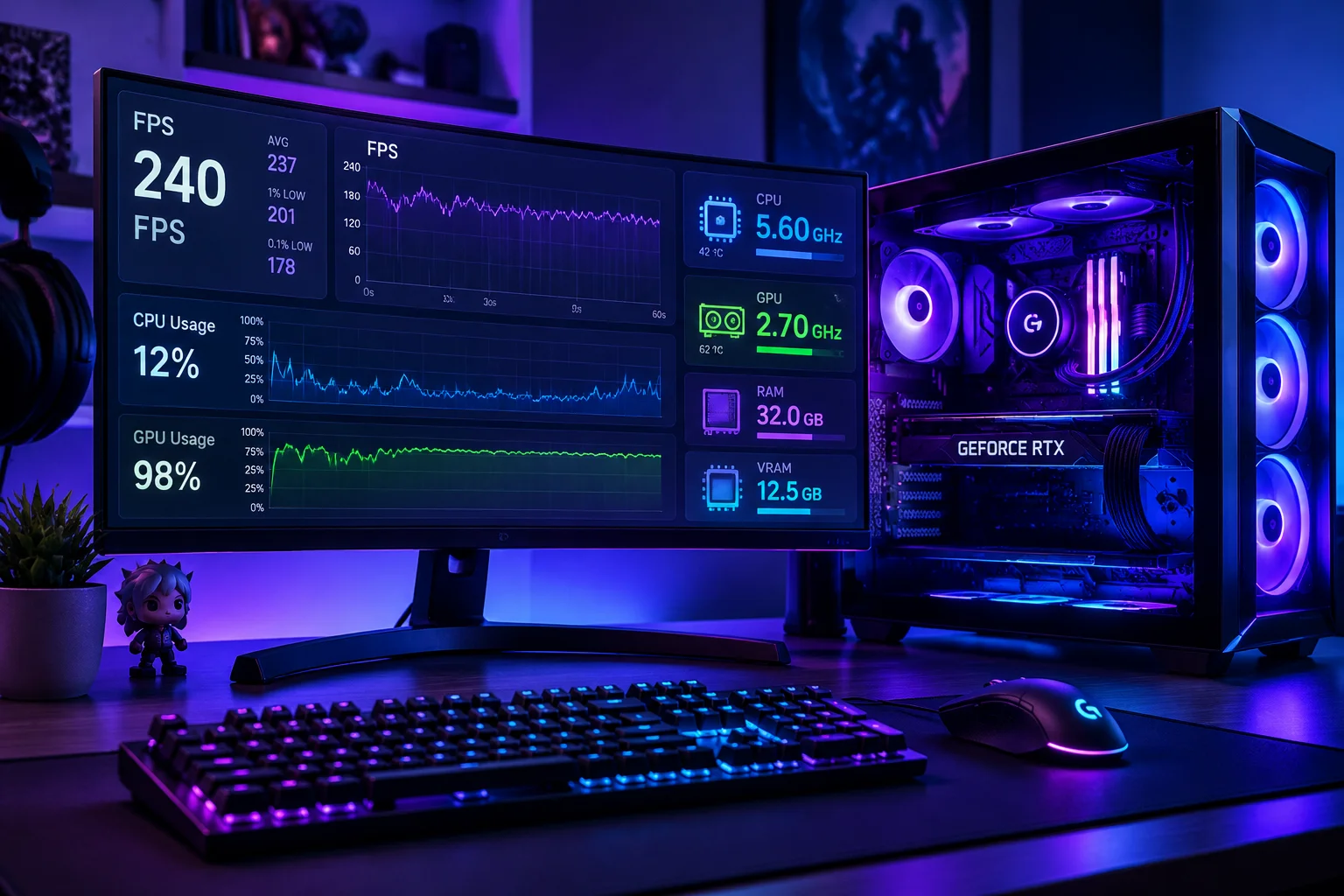
For competitive gamers, every millisecond counts. We implement specialized optimizations to reduce system latency and improve input response. This includes adjusting interrupt affinity, disabling power-saving features that cause micro-stutters, and configuring high-performance power plans. We also manage Windows Update behavior to prevent it from starting heavy downloads or restarts during your gaming hours. By fine-tuning how the OS handles network packets and background tasks, we ensure that the majority of your CPU cycles are dedicated to your game, not background maintenance.
System File Integrity and Security Checks
Optimization is not just about speed; it is also about health and security. We perform comprehensive checks on system file integrity using tools like SFC and DISM to repair any corrupted OS components. This prevents mysterious crashes and ensures that Windows features function correctly. Additionally, we audit your startup applications and scheduled tasks to remove any suspicious or unnecessary items. This process often reveals hidden malware or resource-heavy 'updaters' that provide no benefit to the user. A clean system is a fast system, and a fast system is a secure one.
Maintaining Peak Performance Over Time
After the initial optimization, we provide users with the knowledge and tools to keep their systems running smoothly. We recommend specific maintenance routines and software that help prevent future clutter. Regular driver updates are handled through a controlled process rather than automatic, unverified installations. This proactive approach ensures that the performance gains achieved during the service are maintained for months and years to come. Your computer should work for you, not the other way around, and our optimization service ensures exactly that.