 Drive Hub US
The Science of PC Troubleshooting
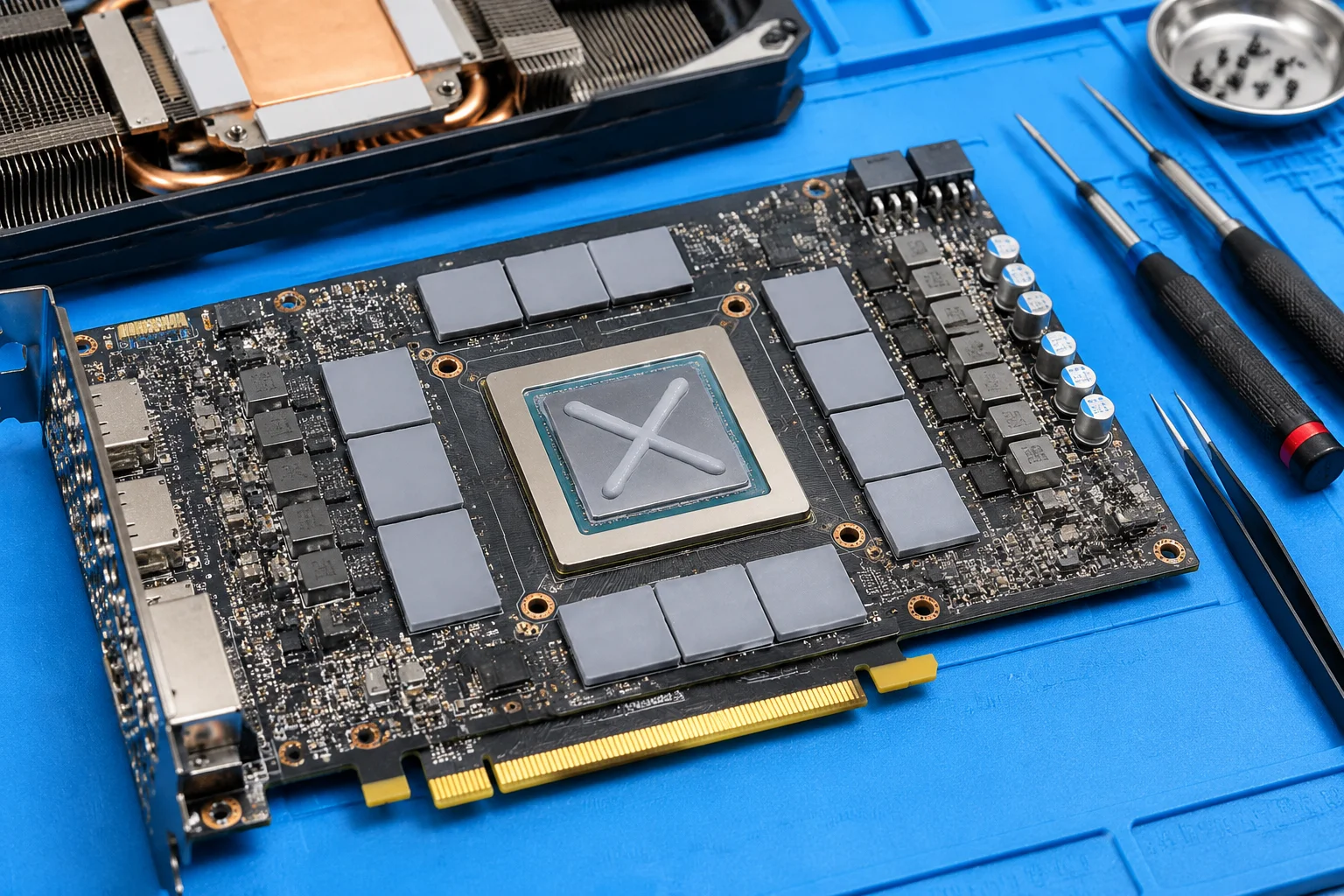
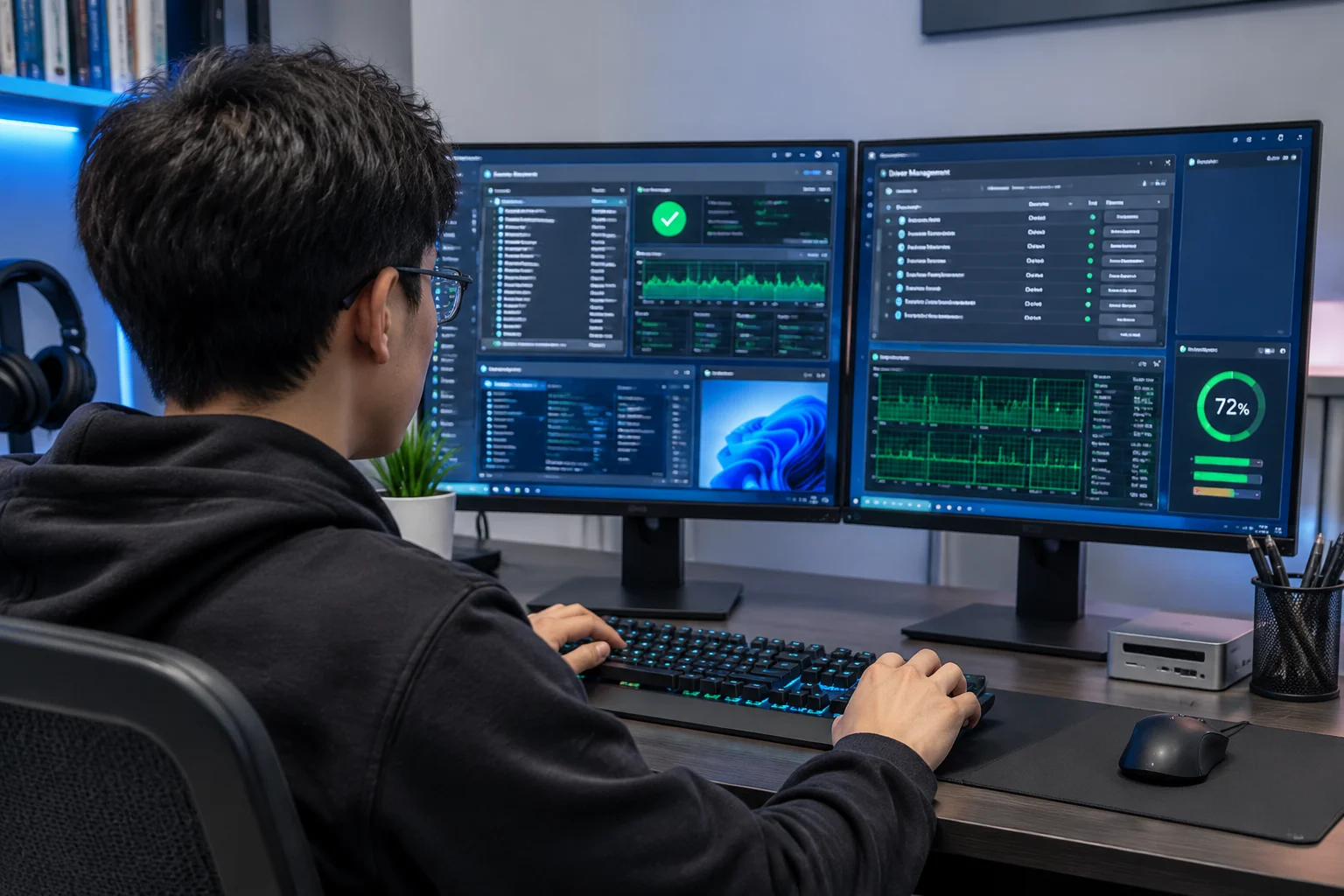
When a computer begins to crash, freeze, or fail to boot, the root cause is often a mystery to the average user. Modern PCs are complex ecosystems where a failure in one minor component can lead to systemic instability. Drive Hub US employs a scientific approach to hardware diagnostics, moving beyond guesswork to identify the exact point of failure. We use a combination of specialized hardware tools and sophisticated software suites to stress-test every individual part of your system, from the power supply unit to the smallest memory module.
Identifying the Culprit: CPU, RAM, and Motherboard
Intermittent crashes are frequently caused by unstable memory or a degrading processor. We run extended memory tests that write and read data to every single cell of your RAM, catching errors that only appear after hours of use. Motherboard issues are often the hardest to diagnose, as they can mimic the symptoms of other failing parts. We inspect for physical damage, such as leaking capacitors or burnt traces, and use POST code cards to see exactly where the boot process hangs. This level of detail ensures that we never recommend replacing a part that is still functioning perfectly.
Power Supply and Storage Health Analysis
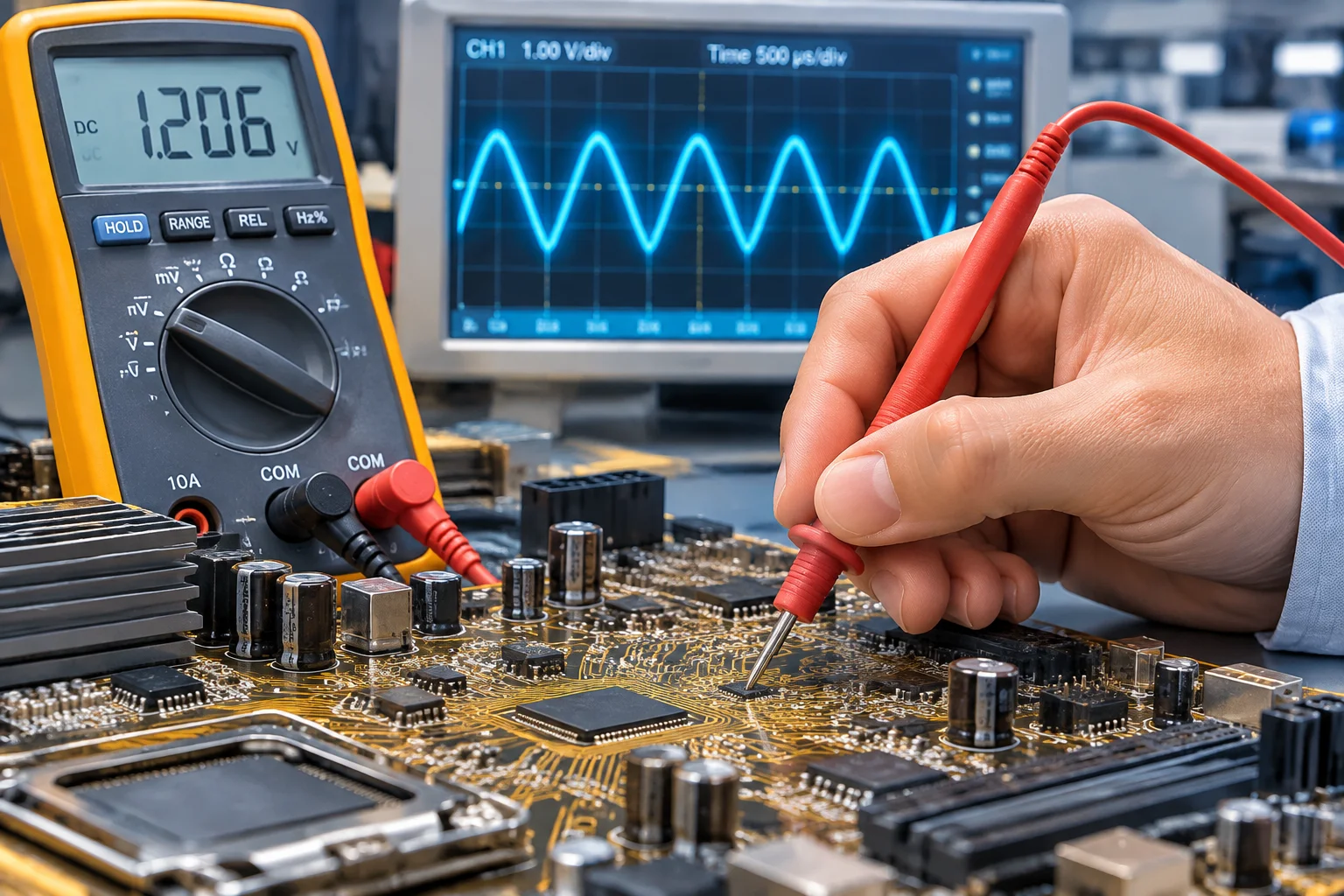
The power supply is the unsung hero of the PC, and a failing unit can cause everything from random restarts to permanent damage to other components. We use digital multimeters and load testers to verify that the PSU is delivering stable voltages under both idle and full-load conditions. Simultaneously, we examine the health of your storage drives. Using S.M.A.R.T. data analysis, we can often predict a drive failure before it happens, giving you the chance to back up your data. We look for reallocated sectors, read errors, and excessive wear leveling on SSDs to ensure your data is stored on reliable media.
Thermal Analysis and Airflow Evaluation
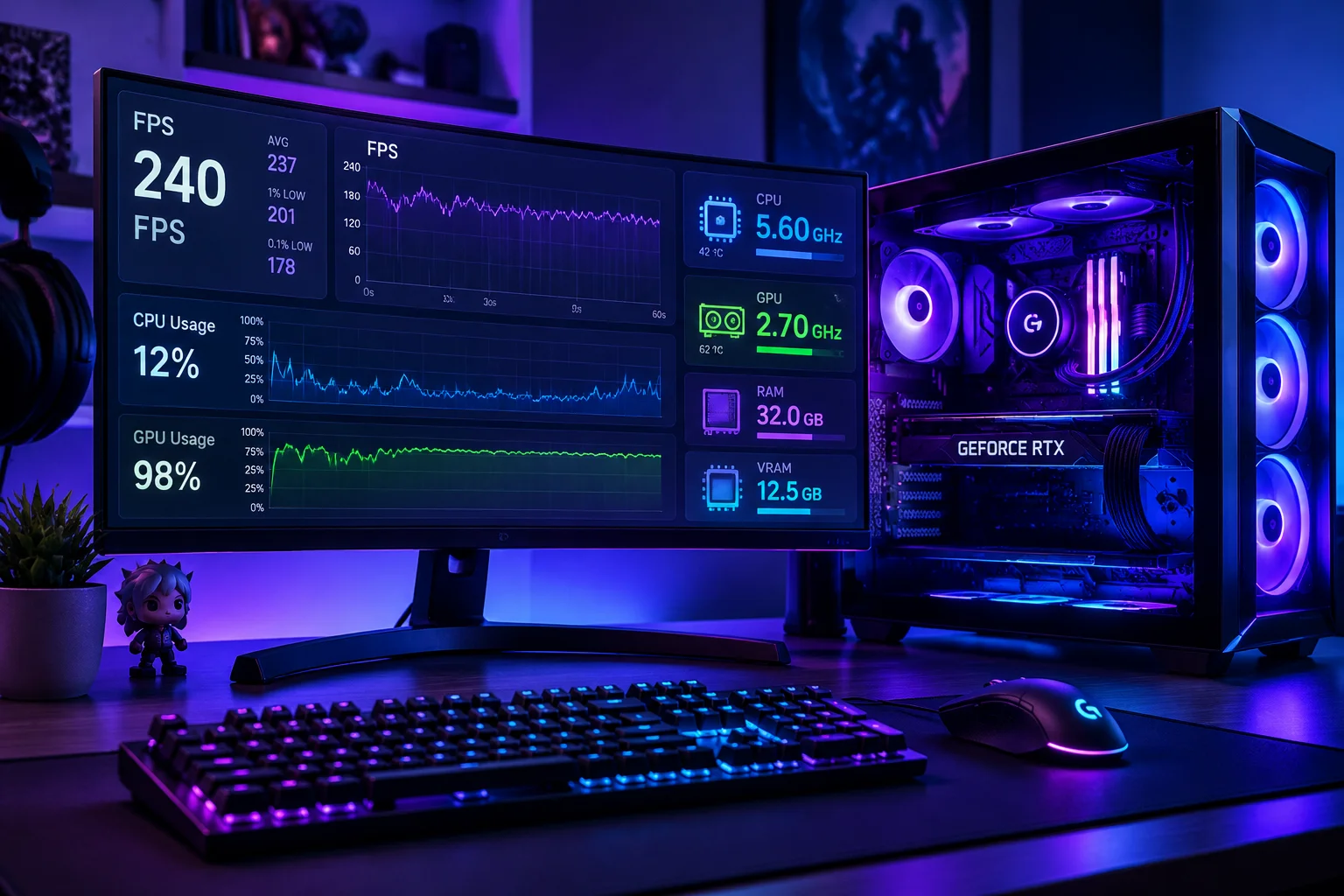
Sometimes, hardware isn't 'broken' but is simply failing due to environmental factors. We use thermal imaging cameras and internal sensors to map the heat distribution inside your case. This reveals hotspots where air is being trapped or where a specific component, like a VRM or a chipset, is overheating. We evaluate your fan configuration and pressure balance (positive vs. negative) to determine if the cooling solution is adequate for the hardware's heat output. Often, a simple adjustment to the case airflow can solve stability issues that looked like hardware failures.
Comprehensive Reports and Repair Strategies
Once the diagnostic process is complete, we provide a detailed report explaining our findings. We don't just tell you what is broken; we explain why it failed and what the best course of action is for your specific budget. Whether it's a simple cable replacement or a major component upgrade, you will have all the information needed to make an informed decision. Our goal is to get your system back to 100% reliability with the most cost-effective and long-lasting solution possible. Trusting professional diagnostics saves time and money by avoiding the 'parts cannon' approach to repairs.