 Drive Hub US
The Compact Cooling Challenge
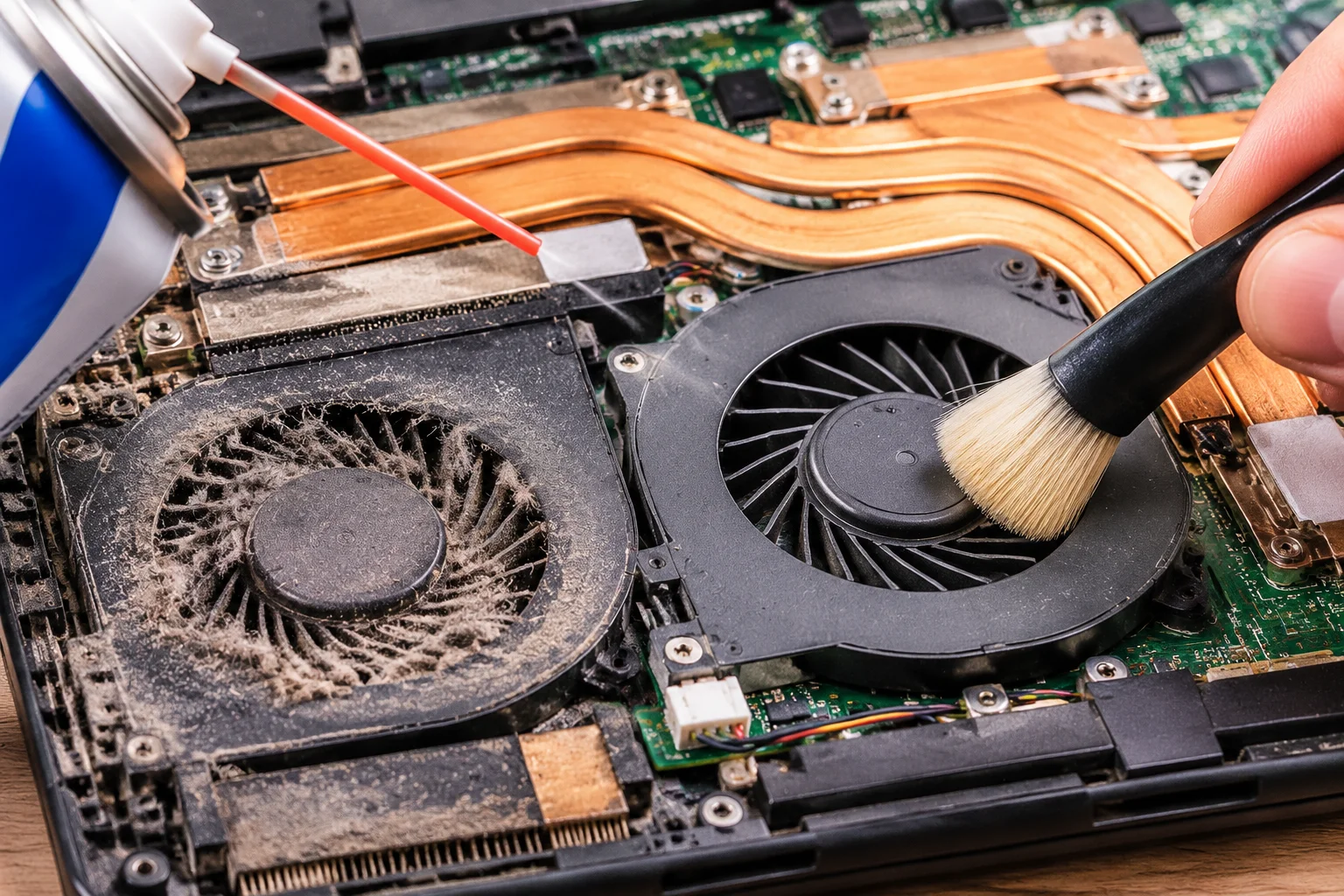
Gaming laptops pack an incredible amount of power into a very small space, making them highly susceptible to heat-related issues. Unlike desktop PCs, laptops have tiny cooling fins and high-speed blower fans that act like vacuum cleaners, sucking in dust, pet hair, and lint. Within just a few months, a thick layer of debris can form over the exhaust vents, choking the airflow and causing temperatures to skyrocket. Drive Hub US offers a comprehensive internal cleaning service designed to restore your laptop's cooling efficiency and protect its expensive internal components.
Deep Cleaning Beyond the Surface
A quick blast of compressed air from the outside is rarely enough and can sometimes push dust deeper into the fan bearings. Our service involves a full teardown of the laptop's bottom chassis to access the cooling assembly. We carefully remove the fans and heatsinks to clean them individually. Every blade of the fan is wiped clean, and the dense radiator fins are cleared of any obstructions. This physical removal of dust is the only way to ensure that the airflow is completely restored to factory specifications. We also check the fan bearings for any signs of wear or noise and apply specialized lubricant if necessary.
Thermal Interface Refresh for Laptops
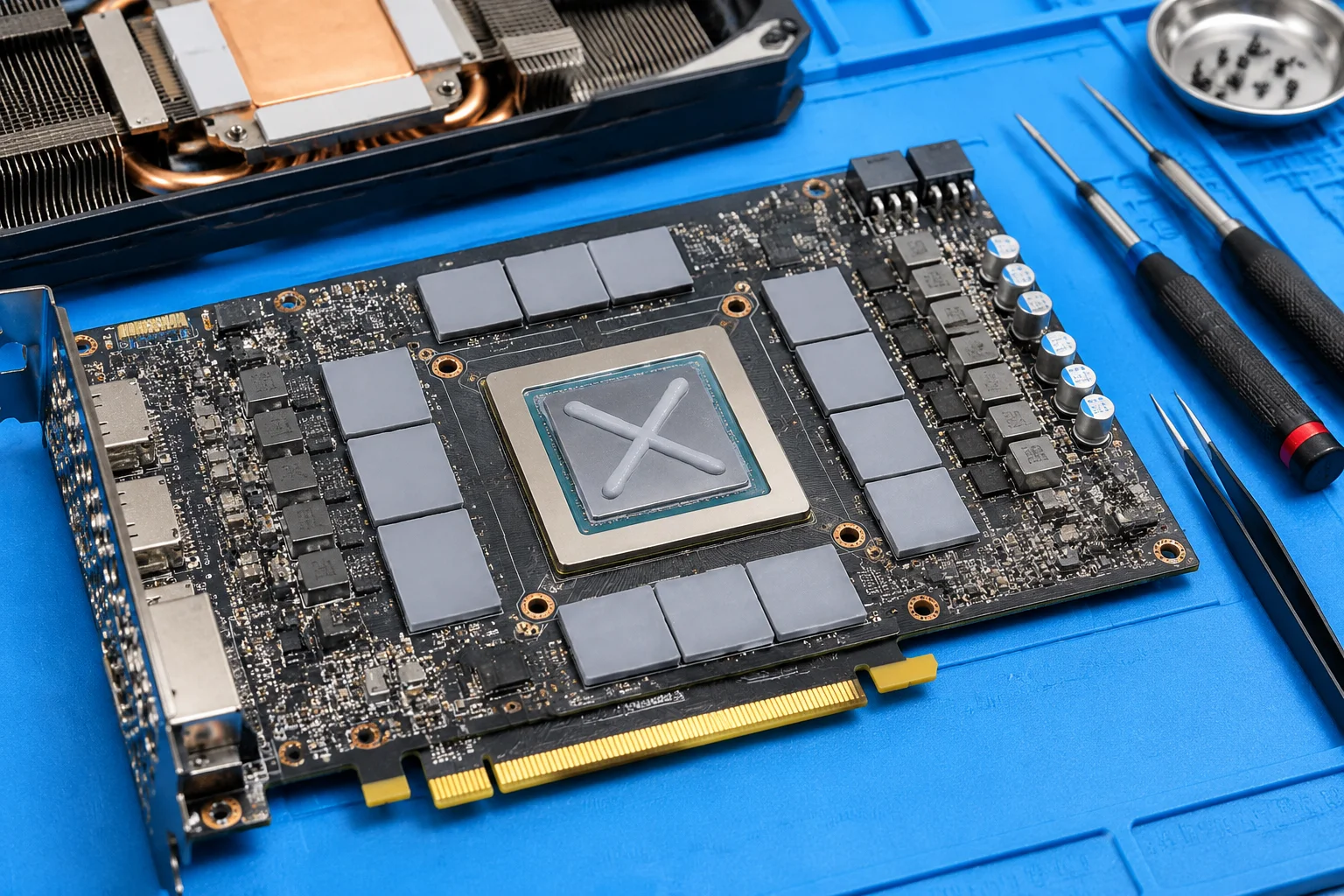
Because laptops run hotter than desktops, the thermal paste between the CPU/GPU and the heatsink degrades much faster. During our cleaning service, we always remove the old, dried-out paste and apply a fresh layer of high-performance thermal compound. In many modern gaming laptops, we also inspect the thermal putty or pads used on the power delivery components. Replacing these materials can lead to a temperature drop of 10-15 degrees Celsius, which is often the difference between a laptop that throttles and one that runs at full speed. This step is essential for maintaining the longevity of the motherboard.
Preventing Hardware Damage and Performance Loss
Heat is the primary enemy of laptop longevity. When a laptop overheats, the solder joints on the motherboard undergo thermal expansion and contraction, which can eventually lead to cracks and total hardware failure. Furthermore, modern laptops are designed to 'throttle' or slow down when they get too hot, meaning you aren't getting the performance you paid for. By keeping the internals clean, you ensure that your laptop can maintain its maximum boost clocks during long gaming sessions. A clean laptop also runs much quieter, as the fans don't have to work nearly as hard to move air through the chassis.
Maintenance Tips for Laptop Owners
We believe in empowering our customers to take care of their hardware between professional cleanings. During the service, we provide advice on the best ways to use and store your gaming laptop. Using a cooling pad or simply elevating the back of the laptop can significantly improve intake airflow. We also recommend avoiding using the laptop on soft surfaces like beds or carpets, which act as insulators and dust traps. Regular professional maintenance, combined with good usage habits, will ensure that your gaming laptop serves you well for many years without a loss in performance.