 Drive Hub US
Breathing New Life into Aging Computer Systems
Many users hold onto older computers that were once top-of-the-line but now struggle with modern software. A client brought in a seven-year-old workstation featuring an i7-7700K and a GTX 1080. The machine took five minutes to boot and frequently froze during basic web browsing. Rather than suggesting an expensive new build, Drive Hub US proposed a comprehensive restoration. This approach saves the client money and prevents electronic waste while delivering a machine that feels brand new for daily tasks. Restoration focuses on removing physical and digital bottlenecks that accumulate over years of use.
Deep Physical Cleaning and Thermal Refresh
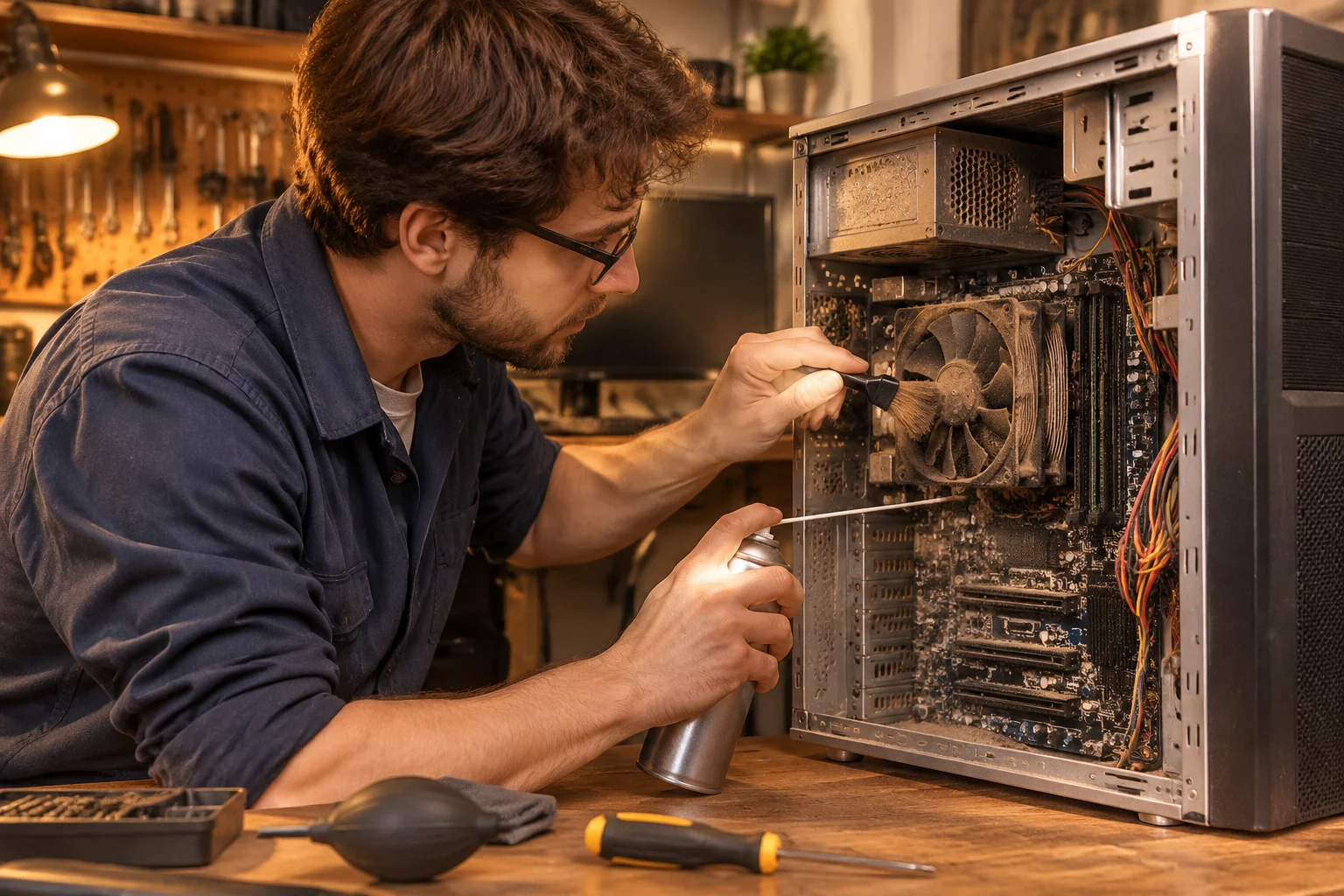
Years of operation in a home office had left the interior of the PC coated in a thick layer of dust. This buildup acted as insulation, causing the components to run hot and throttle their speeds. Technicians used compressed air and anti-static brushes to clean every corner of the chassis, including the power supply and radiator fins. The old, dried-out thermal paste on the CPU and GPU was replaced with modern high-performance compounds. Fresh lubrication was applied to the cooling fans to eliminate annoying rattles and improve airflow. This physical refresh is essential for restoring the hardware's original thermal efficiency.
Storage Upgrade and Data Migration
The primary reason for the slow boot times was a failing mechanical hard drive. The team installed a high-speed SATA SSD to replace the aging HDD. This single change provides the most noticeable improvement in responsiveness for any legacy system. We cloned the client's existing data to the new drive to ensure no files or settings were lost during the transition. The new storage offers near-instant access times, making the operating system feel snappy and modern. Upgrading storage is the most cost-effective way to extend the life of an older PC.
Software Cleanup and Security Hardening
The software environment had become cluttered with years of unused applications and browser extensions. Technicians performed a deep clean of the startup items and registry. We removed several pieces of 'adware' that were silently consuming system resources in the background. The operating system was updated to the latest secure version, and critical security patches were applied. We also installed a lightweight, efficient antivirus solution to protect the system without slowing it down. This digital cleanup ensures the recovered hardware performance isn't wasted on useless background tasks.
Final Performance Evaluation and Client Satisfaction
The restored PC now boots in under twenty seconds and handles multi-tab browsing with ease. Benchmarks showed that the CPU temperatures dropped by 25 degrees Celsius, allowing it to maintain its maximum turbo frequency consistently. The client was amazed that their 'old' computer could perform so well with just a few targeted upgrades and professional maintenance. This project highlights the value of expert restoration in an era of disposable technology. The machine is now ready for several more years of reliable service in a home office environment.