 Drive Hub US
Solving Professional Software Crashes in Architectural Workflows
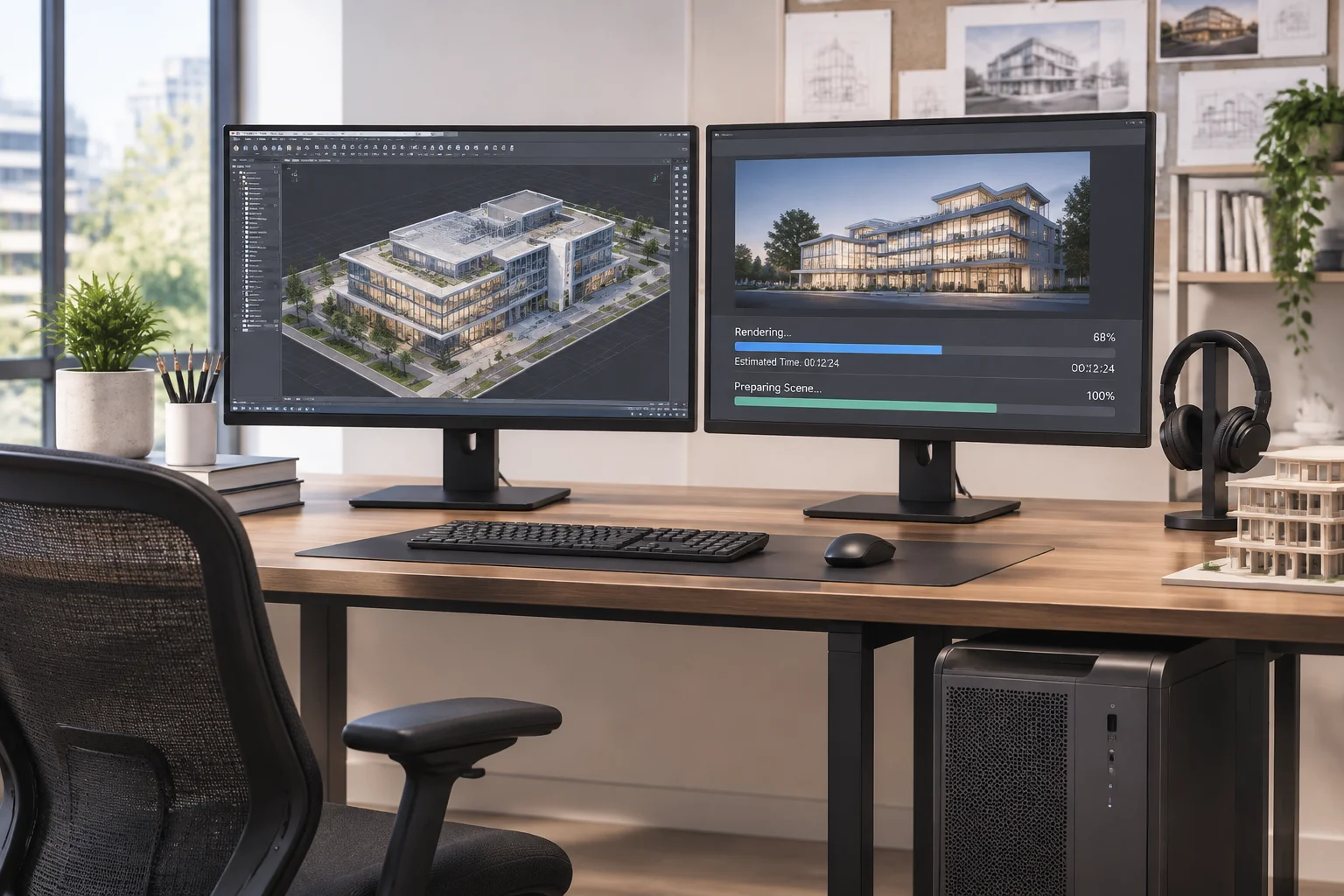
Architectural firms rely on the absolute stability of their workstations to meet tight project deadlines. A local firm experienced frequent Blue Screen of Death (BSOD) errors while using Revit and AutoCAD. These crashes usually occurred during the final rendering phase of complex 3D models. Such interruptions cause significant data loss and disrupt the entire team's productivity. The firm contacted Drive Hub US to identify the root cause and implement a permanent fix. Initial investigations pointed toward a deep-seated conflict between the professional GPU drivers and recent Windows updates.
Diagnostic Analysis of System Logs and Crash Dumps
The resolution process began with a thorough analysis of the Windows Minidump files. These logs pinpointed the exact driver file responsible for the system instability. The workstation utilized an NVIDIA RTX A4000 professional graphics card, which requires specific 'Enterprise' driver branches. A conflict was discovered where a generic consumer driver had been automatically installed by the operating system. This mismatch caused memory access violations during heavy viewport manipulation. Identifying this specific software friction is the first step in restoring enterprise-grade reliability.
Clean Driver Environment Reconfiguration
Fixing the issue required more than a simple update. Technicians utilized a Display Driver Uninstaller (DDU) in Safe Mode to completely wipe every trace of the existing graphics software. This process removes hidden registry keys and leftover files that often interfere with new installations. The team then manually installed the latest certified ISV (Independent Software Vendor) driver specifically optimized for architectural applications. These drivers undergo rigorous testing to ensure compatibility with professional modeling software. This clean-slate approach eliminates the legacy errors that plague many enterprise systems.
Operating System and Registry Optimization
Beyond the graphics drivers, the team addressed several OS-level issues contributing to the instability. Windows Update was configured to exclude hardware drivers to prevent future automatic overwrites of the stable versions. Registry tweaks were implemented to increase the Timeout Detection and Recovery (TDR) delay. This adjustment gives the GPU more time to process complex frames before Windows assumes the card has hung and resets the driver. These subtle optimizations provide a much-needed buffer for the hardware during intense computational tasks.
Validation Through Heavy Architectural Rendering
The final phase involved stress-testing the workstation using the firm's most demanding project files. Technicians initiated a series of 4K renders that pushed the GPU and CPU to 100% utilization for several hours. The system maintained perfect stability without a single error or visual artifact. The firm reported a 30% increase in rendering speed due to the more efficient driver communication. All workstations in the office were subsequently updated to this new stable standard. The architects can now focus on their creative designs without the constant fear of a system crash.