 Drive Hub US
The Evolution of Display Speed
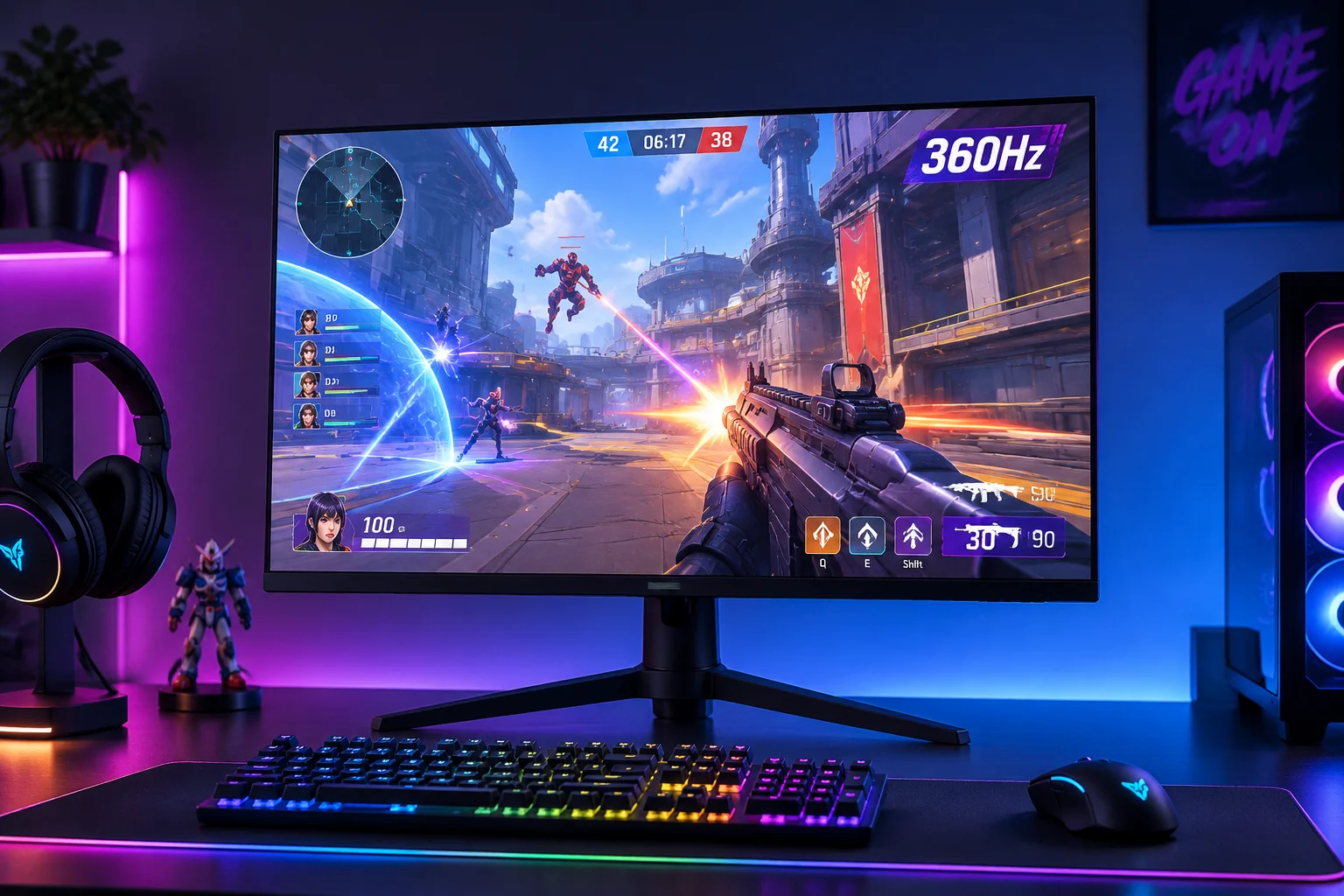
Gaming technology moves at a breakneck pace. Monitors once capped at 60Hz now reach staggering speeds of 360Hz or even 540Hz. This evolution serves a specific purpose in the world of competitive play. A monitor refresh rate defines how many times the screen updates the image per second. Higher numbers translate to smoother motion. This smoothness directly influences a player's ability to track moving targets in fast-paced environments.
Understanding Motion Blur and Clarity
Motion blur occurs when the display cannot keep up with rapid on-screen movement. Low refresh rate panels struggle to render clear images during quick camera pans. This lack of clarity hinders performance in titles like Counter-Strike 2 or Valorant. High refresh rate monitors eliminate much of this ghosting. They provide a crisp visual experience. Consequently, every frame becomes a distinct source of information for the brain to process. Sharp images allow for faster reaction times. The human eye perceives fluid motion more naturally when the frame delivery is dense. This density reduces eye strain during long gaming sessions.
The Critical Role of Input Lag
Input lag represents the delay between a mouse click and the action appearing on screen. High refresh rate displays inherently reduce this latency. A 144Hz monitor refreshes every 6.9 milliseconds. A 60Hz monitor takes 16.7 milliseconds. This difference seems small. However, in professional gaming, every millisecond counts. Lowering the end-to-end system latency provides a competitive edge. Players see the enemy slightly earlier. They react faster. The game feels more responsive. Drive Hub US technicians often see clients frustrated by performance dips. Often, the bottleneck is not the GPU but the display's inability to show the frames being produced. Synchronizing a powerful graphics card with a high-speed monitor unlocks the full potential of the hardware.
Frame Time Consistency and Fluidity
Frame time consistency matters as much as the total frame count. Stuttering ruins the immersion and the competitive flow. High refresh rate monitors with adaptive sync technologies like G-Sync or FreeSync solve this. These technologies match the monitor's refresh rate to the GPU's output. Tearing disappears. The visual flow remains uninterrupted. This stability allows players to maintain their focus. Distractions from visual artifacts become a thing of the past.
Choosing the Right Panel Technology
Panel types vary in their performance characteristics. TN panels historically offered the fastest response times. IPS panels now provide a balance of color accuracy and speed. OLED technology represents the current pinnacle. OLED pixels switch states almost instantly. This near-zero response time eliminates motion blur entirely. Professional players should evaluate their specific needs. Speed-focused gamers might prefer the raw performance of a 360Hz IPS or OLED display. Content creators who game competitively may lean toward high-refresh IPS panels for better color reproduction.
Optimizing Your System for High Refresh Rates
Achieving high frame rates requires a balanced build. Ensure the CPU can feed the GPU enough data. Update graphics drivers regularly to maintain peak performance. Use DisplayPort cables instead of older HDMI versions to support high bandwidth. Check the Windows display settings to confirm the refresh rate is set correctly. Many users buy high-end monitors but leave them running at 60Hz by mistake. Verification takes seconds. The improvement in quality is immediate. High refresh rate monitors are no longer a luxury. They are a necessity for anyone serious about competitive gaming.
leave a comment
Your comment has been submitted for moderation