 Drive Hub US
The Foundation of a Stable Build
The power supply unit (PSU) is often the most overlooked component in a PC. Many builders focus on the CPU and GPU while buying the cheapest PSU available. This is a mistake. The PSU provides the lifeblood of the system. A low-quality unit can cause crashes, data loss, or even hardware failure. Choosing the right power supply requires planning. You must consider current needs and future upgrades. A good PSU can last for a decade. Investing in quality now saves money and frustration later.
Calculating Wattage Requirements
Wattage is the first factor to consider. Total the power draw of all components. Online calculators provide a good estimate. However, do not buy a PSU that exactly matches your current draw. Leave headroom for peaks and future parts. A 750W unit is a safe baseline for most modern mid-range builds. High-end systems with powerful GPUs may require 1000W or more. Modern graphics cards have transient power spikes. These spikes can trigger protections on underpowered units. A higher wattage PSU handles these spikes with ease. It also runs more efficiently when not pushed to its absolute limit.
Efficiency Ratings Explained
The 80 Plus certification measures PSU efficiency. Ratings range from Bronze to Titanium. A higher rating means less power is wasted as heat. This efficiency lowers electricity bills and keeps the system cooler. Gold-rated units offer the best balance of price and performance for most users. Titanium units are reserved for extreme builds where every watt counts. Efficiency also correlates with internal component quality. Manufacturers use better capacitors and cooling in higher-rated models. Reliable power delivery protects your expensive hardware from voltage fluctuations.
Modular vs. Non-Modular Designs
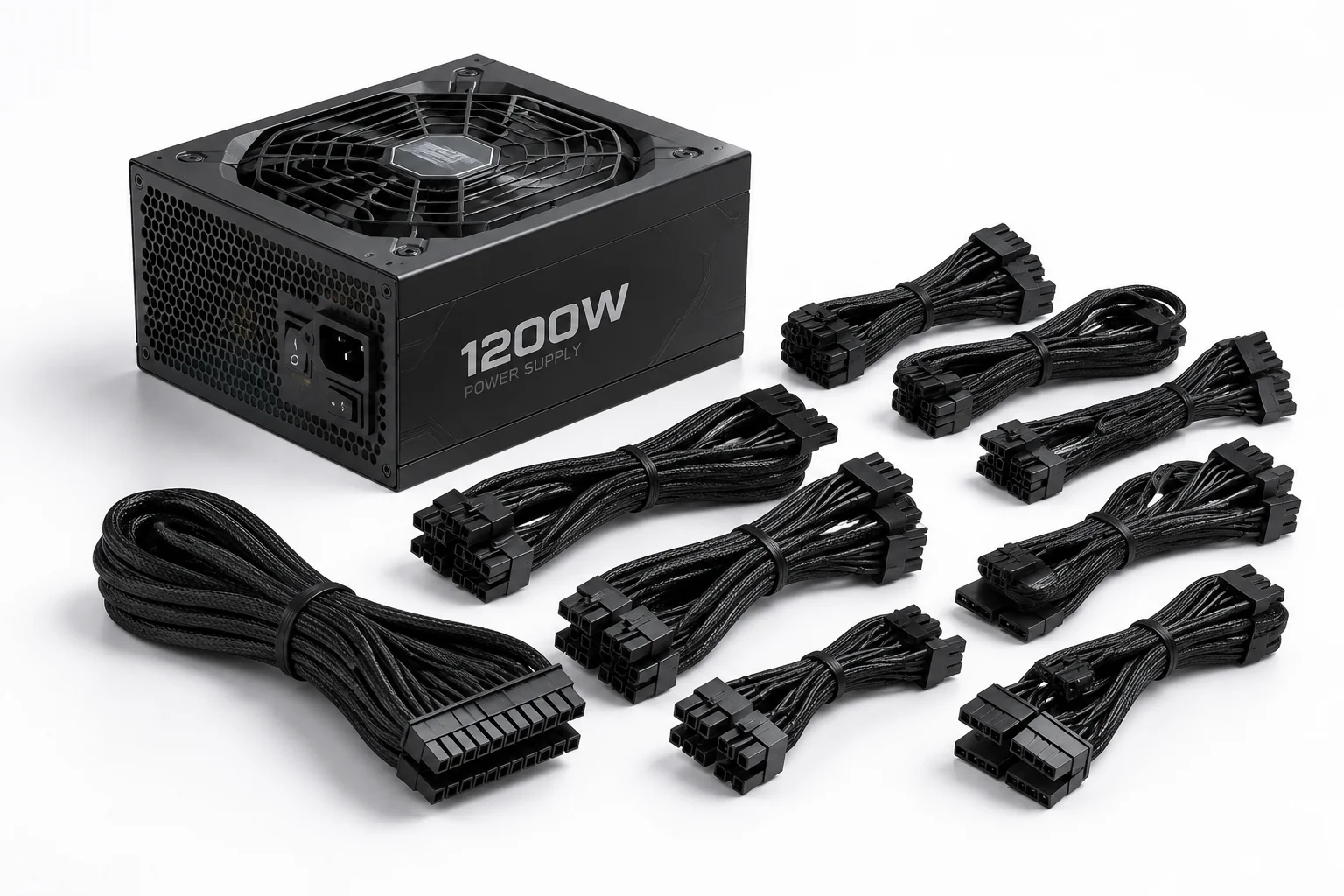
Cable management depends on the PSU design. Non-modular units have all cables permanently attached. This leads to a mess of unused wires inside the case. Semi-modular units allow you to remove some cables. Fully modular units offer total flexibility. You only plug in the cables you need. This choice simplifies the building process. It also improves airflow by removing clutter. For future upgrades, modular units are superior. You can easily swap cables or add new ones as your system grows. Drive Hub US technicians prefer modular units for their cleanliness and ease of maintenance.
Connector Standards and ATX 3.0
New hardware standards emerge frequently. The ATX 3.0 standard is the latest for power supplies. It introduces the 12VHPWR connector used by high-end NVIDIA cards. This connector delivers up to 600W through a single cable. Buying an ATX 3.0 PSU ensures compatibility with next-generation GPUs. It eliminates the need for messy adapters. Check the warranty before purchasing. Reputable brands offer 7 to 10 years of coverage. This longevity proves the manufacturer's confidence in the product. Choose wisely, and your PSU will power several generations of upgrades.
leave a comment
Your comment has been submitted for moderation