 Drive Hub US
Why Cable Management Matters
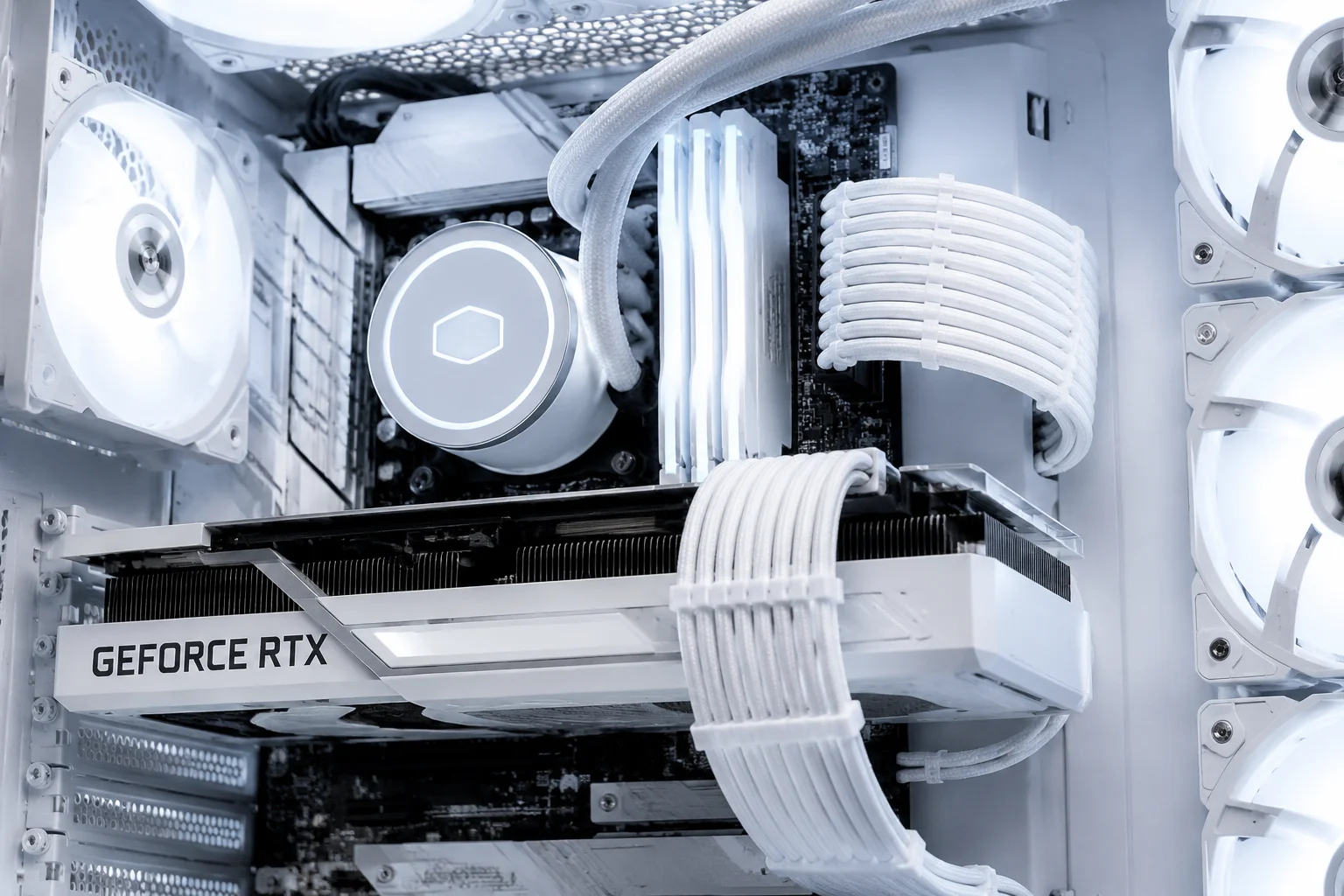
A messy PC interior is more than just an eyesore. Tangled wires obstruct the path of cool air. This obstruction leads to higher temperatures for the CPU and GPU. Proper cable management creates a clear channel for airflow. It ensures that heat escapes the case efficiently. Furthermore, a clean build is easier to maintain. You can identify components and connections quickly. Aesthetics also play a role. Many modern cases feature glass panels. A tidy interior showcases your hardware and RGB lighting. It reflects the care put into the build.
Starting with the Right Tools
Preparation simplifies the process. Gather the necessary tools before opening the case. Zip ties are the most common solution. They provide a permanent and secure hold. Velcro straps offer more flexibility. You can easily undo them to add or remove cables. Cable combs keep individual wires in parallel lines. This creates a professional look. Use a pair of small snips to trim excess plastic from zip ties. Having these items ready prevents interruptions. Drive Hub US experts always recommend using high-quality ties to avoid them snapping over time.
The Strategy of Routing
Plan the route for each cable. Start with the largest ones. The 24-pin motherboard power and the CPU power cables require the most space. Route them through the cutouts closest to their connectors. Use the space behind the motherboard tray to hide the bulk. Modern cases include dedicated channels for this purpose. Secure the cables to the built-in tie-down points. This prevents them from bulging against the side panel. Smaller cables for fans and front panel headers should follow. Group them together where possible. This layering approach keeps the front of the case completely clear.
Managing the Back Panel
The back of the case often becomes a 'rat's nest'. Even if the front looks good, a messy back can make closing the panel difficult. Organize the back by function. Keep power cables in one bundle and data cables in another. Avoid crossing cables unnecessarily. Use the bottom of the case or the PSU shroud to tuck away excess length. If the side panel is hard to close, re-evaluate the routing. Do not force it. Pressure can damage connectors or pinch wires. A well-organized back panel is the hallmark of an experienced builder.
Final Touches and Maintenance
Check every connection once the routing is complete. Ensure that no wires are touching fan blades. This is a common mistake that causes noise and damage. Use custom sleeved extensions for an extra touch of style. These cables come in various colors to match your theme. Regular maintenance includes checking for loose ties. Over time, heat can cause some materials to shift. Keeping the interior tidy makes future upgrades much simpler. A clean PC runs cooler and looks better. Take the time to do it right, and the results will speak for themselves.



Jared Thompson
My cables are a mess. Where do I start?